
Follow this interactive walkthrough to create your first OpenSearch UI application, associate data sources, and set up your workspace.
Create First App
Prerequisites
Before you begin, make sure you have:
- An AWS account with the required IAM permissions
- At least one OpenSearch domain or serverless collection in your region
- (Optional) IAM Identity Center configured if you want SSO authentication
Interactive Walkthrough
Click the orange beacon on each screenshot to advance through the steps:
Create First App — Step by Step
Step 1 of 8OpenSearch UI Landing Page
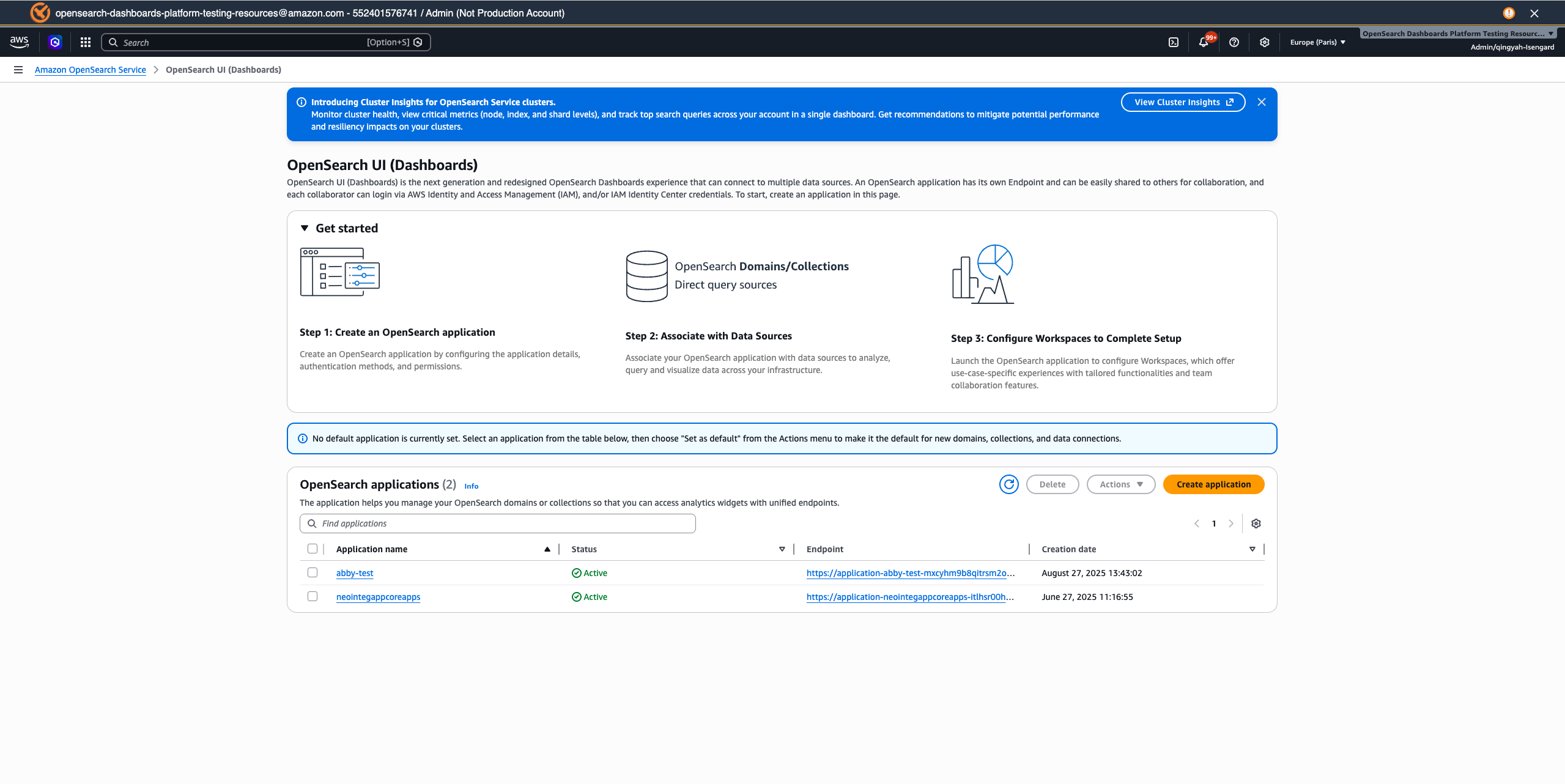
Click the beacon or use buttons to navigate
What's Next?
Now that your application is set up:
- Connect more data sources — Add additional OpenSearch domains or collections
- Configure workspaces — Create workspaces for different teams and use cases
- Set up authentication — Configure SAML SSO for your organization
- Explore tutorials — Learn about query languages, dashboards, and analytics